

A structured Mid-Year SEO Review in June acts as a necessary diagnostic checkpoint to align organic assets with revenue targets....
Read More
Google Search Console Strategy: What Your SEO Data Is Trying to Tell You (In Plain English)
Google Search Console (GSC) is the primary diagnostic tool for monitoring organic search performance and machine-readability. Rather than a technical...
Read More
SEO Ranking Analysis: Why Your Competitors Keep Ranking for Keywords You’ve Been Targeting for Months
When target web pages fail to rank despite standard optimization, it indicates a structural bottleneck in topical authority, backlink signals,...
Read More

SEO Content Audit: What It Actually Is and Why It’s the Smartest SEO Investment You Can Make Right Now
An SEO Content Audit is a systematic evaluation of your website’s existing assets to identify what to keep, optimize, consolidate,...
Read More
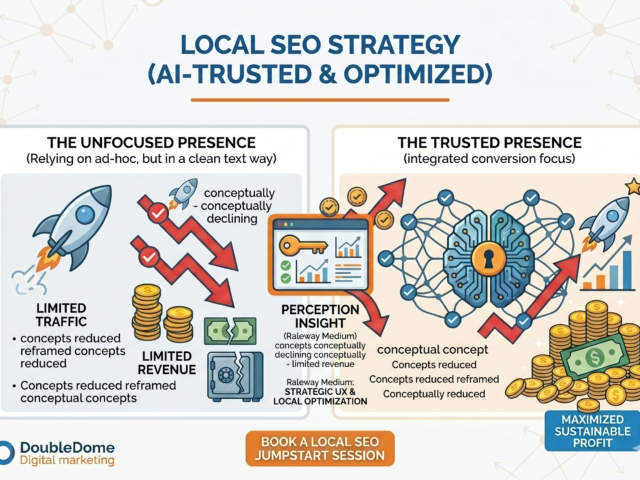
Local SEO Jumpstart: Why Showing Up in ‘Near Me’ Searches Is Still One of the Easiest Wins in Digital Marketing
"Near me" and geo-modified searches remain the highest-converting queries for B2B and commercial services. By implementing a Local SEO Jumpstart,...
Read More
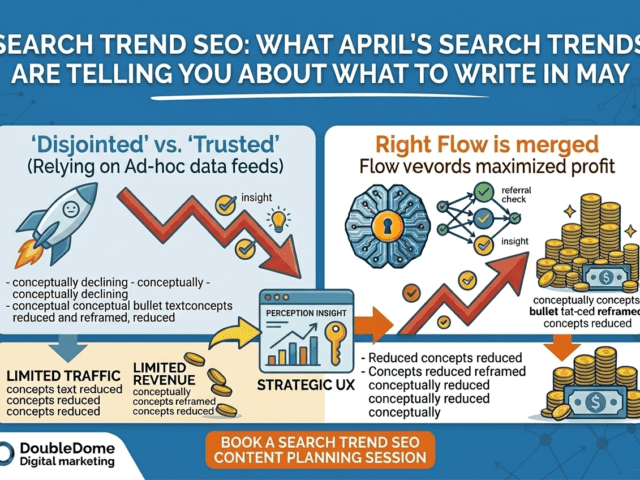
Search Trend SEO: What April’s Search Trends Are Telling You About What to Write in May
Building a content calendar on editorial instinct is a recipe for the "AI Slump." By analyzing April’s real-time data from...
Read More
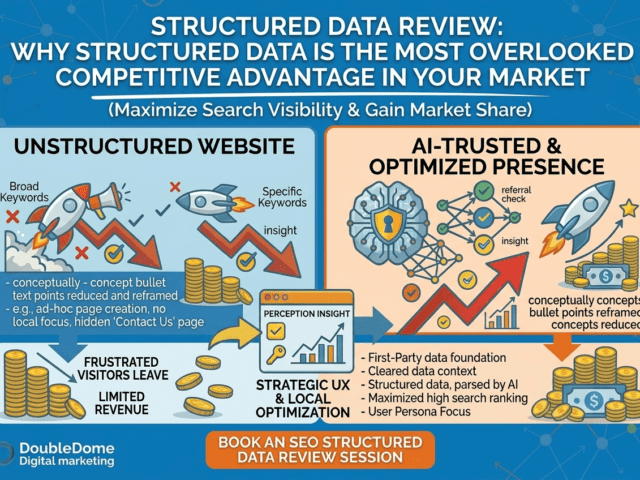
Structured Data Review: Why Structured Data Is the Most Overlooked Competitive Advantage in Your Market
A Structured Data Review is essential for any business aiming to be the "Preferred Answer" in AI search. Structured data...
Read More
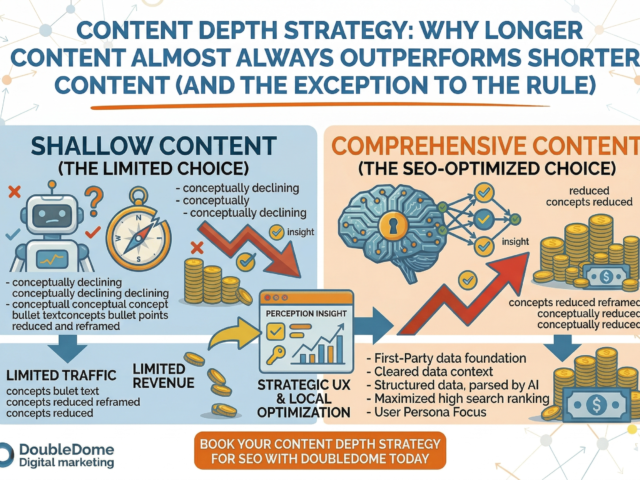
Content Depth Strategy: Why Longer Content Almost Always Outperforms Shorter Content (And the Exception to the Rule)
In 2026, longer content outperforms shorter content because it satisfies the "Information Gain" requirements of both humans and AI. By...
Read More
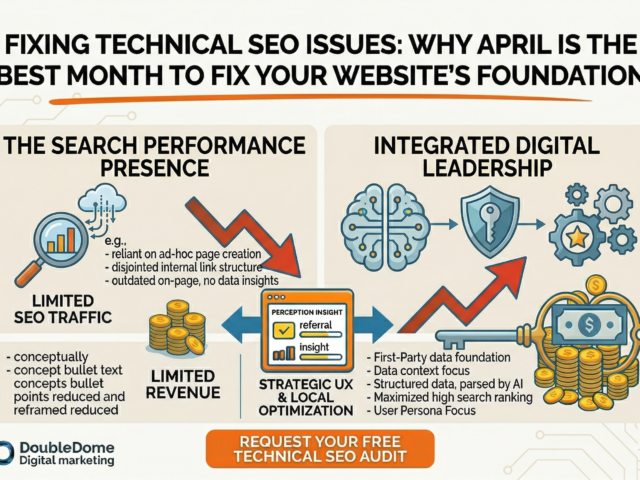
Fixing Technical SEO Issues: Why April Is the Best Month to Fix Your Website’s Foundation
Fixing technical SEO issues in April is a strategic move that eliminates "technical debt" before the high-stakes quarters of Q3...
Read More
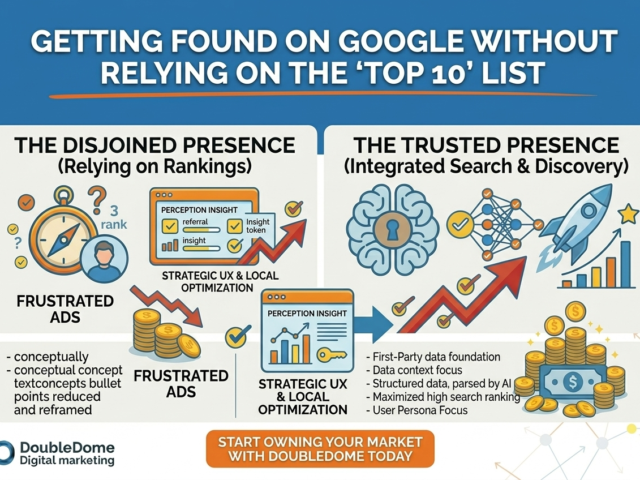
Getting Found on Google: Why AI-Cited Sources Are the New SEO Advantage
Appearing on "Page 1" has been redefined. Traditional blue links are being replaced by AI Overviews, local map packs, and...
Read More